We Run a Full-Stack AI Product on $0/Month
Five services, each replacing a paid AWS service, each with a free-tier gotcha. Here's the real stack our staging environment runs on — and the $500 AWS bill that taught us to find it.

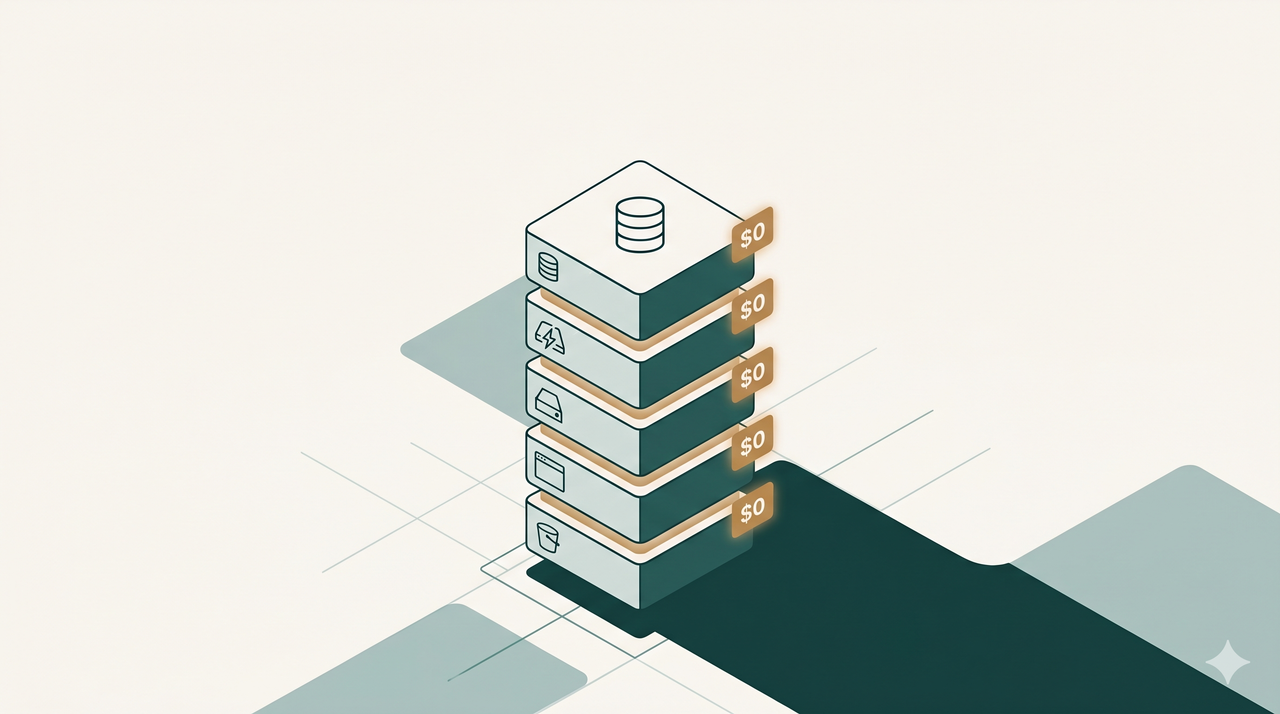
Building a full-stack AI product usually means signing up for a stack of monthly bills before you've shipped a single feature. We wanted to see how far the free tier actually goes, so we built our staging environment entirely on it.
This isn't theoretical — it's the exact stack our staging environment runs on today. Five services power it. Each one directly replaces a paid AWS service. And each one has a free-tier gotcha that will bite you if you don't know it's coming.
The stack, service by service
1. Neon — Database
Neon replaces a managed Postgres instance like AWS RDS (typically $22–43/month for a comparable setup).
Free tier: 0.5GB storage, 100 compute-hours a month, with true scale-to-zero — an idle database costs nothing.
The gotcha: 0.5GB disappears fast once you add vector embeddings — 100K vectors at 1536 dimensions alone use roughly 0.6GB. And a database that's been idle wakes up with a 300–800ms cold start on the first query.
2. Upstash — Caching & rate-limiting
Upstash replaces AWS ElastiCache (typically $12/month for a comparable setup).
Free tier: 500K commands a month, 256MB of data. It’s HTTP-based, which means it works in serverless environments where a TCP connection doesn’t.
The gotcha: rate-limiting every API call at 10 requests/second burns 864K checks a day — 52x the monthly free limit. 256MB fills up fast once you start caching conversation state.
3. Render — Backend hosting
Render replaces AWS App Runner (typically $15–30/month for a comparable setup).
Free tier: 750 hours a month, 0.1 vCPU, 512MB RAM.
The gotcha: 0.1 vCPU barely runs a typical backend's boot sequence. The service spins down after 15 minutes idle, and the cold start back up takes 60 seconds — that's your first user's experience.
4. Vercel — Frontend hosting
Vercel replaces AWS Amplify (typically $10–20/month for a comparable setup).
Free tier: 100GB bandwidth, 1M function invocations a month.
The gotcha: 4 CPU-hours a month of "Active CPU" is the real ceiling — an AI product doing a few thousand requests a month can burn through it in days. Commercial use is also technically prohibited on the Hobby plan.
5. Cloudflare R2 — Object storage
Cloudflare R2 replaces AWS S3 (typically $15/month for a comparable setup).
Free tier: 10GB storage, 10M reads and 1M writes a month.
The winner: S3 charges $0.09/GB for egress. R2 charges $0 — forever, at any scale. At 1TB of egress a month, that’s $90 on S3 versus $0 on R2. The only service here with no real sting.
The real math
Stacking the free tiers against their AWS equivalents:
| Service | AWS equivalent | What we pay |
|---|---|---|
| Database (Neon) | ~$22/mo | $0 |
| Caching (Upstash) | ~$12/mo | $0 |
| Backend hosting (Render) | ~$15/mo | $0 |
| Frontend hosting (Vercel) | ~$15/mo | $0 |
| Object storage (R2) | ~$15/mo | $0 |
| Total | ~$79/mo | $0 |
But we didn't start smart. We burned $500 on AWS just figuring out a staging setup before we landed on this stack.
None of these free tiers are a free lunch — each one has a real limit you'll eventually hit. But for a staging environment, an MVP, or a side project that hasn't found product-market fit yet, this stack gets you shockingly far before you have to spend a dollar.
Try WisdomChat
Curious what we’re building on this stack?
WisdomChat is the AI personal shopper we’re shipping on top of this infrastructure.
See WisdomChat